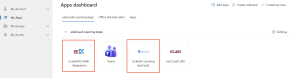
Your LinkedIn Learning and ClaaSLMS can be accessed via SSO (single sign-on) as apps on your Microsoft 365 account Apps page. Here’s how you can access them by following the steps below.
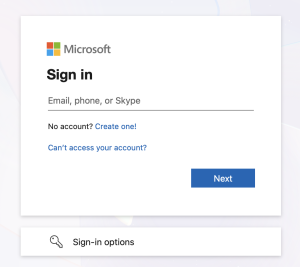
- Go to https://myapps.microsoft.com/ and sign in with your Learner’s ID (xxxxxx@learning.lithan.com) and password.
- In the “educlaas learning apps” section, you can find the ‘ClaaSLMS SAML Integration Production’ and ‘LinkedIn Learning’ buttons. Click on them to access it on a new tab.