To access your Student Self-onboarding Portal, you should first activate and access your Learner M365 account (guide here).
Kindly use the following URL (https://eduportal.educlaas.com/self-onboarding/)to access your self-onboarding portal. You can follow the guide shown below as well.
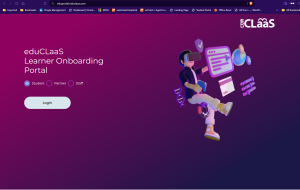
1) Click on this URL (https://eduportal.educlaas.com/self-onboarding/) to go to the self-onboarding portal. You might be asked to login like the image below. If so, please select “Student” and click on “Login”, and proceed to sign in with your Learner ID (looks like LXXXXXXXX@learning.lithan.com) and password that you have set.
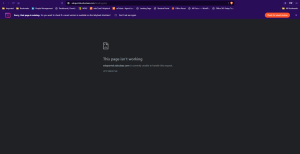
2) If you are greeted with an error like below after signing in, simply copy and paste the URL (https://eduportal.educlaas.com/self-onboarding/) on your address bar and enter.
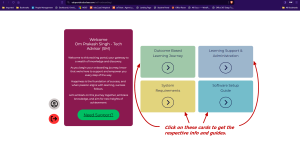
3) You should be greeted with this page as shown below if the above steps are followed. Click on each of the following cards to be orientated on its’ respective topics and guides.